Shipping microG inside an app cloner: licence, Accounts and limits
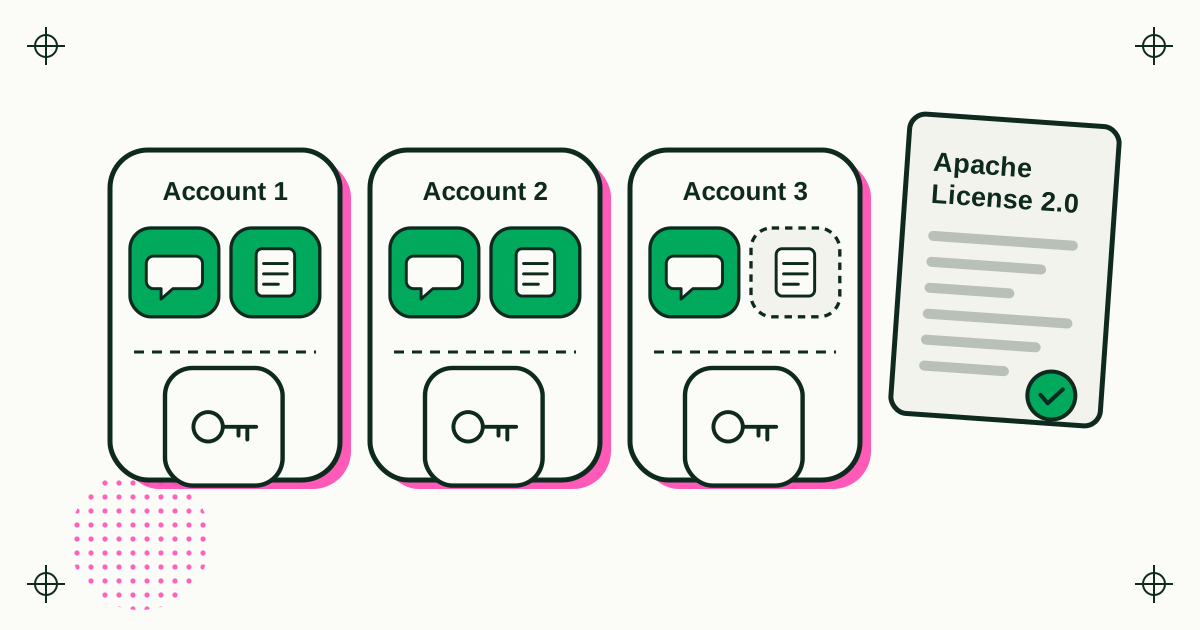
Duo Clone includes microG GmsCore, an open-source reimplementation of Google's sign-in and related services that the microG Project Team publishes under the Apache License 2.0. It is built from an official microG release with two packaging changes, credited in the app's Open-source licenses screen with the full licence text. Each Duo Clone Account gets its own microG setup, which is why copies in one Account share a single Google sign-in.
This note covers why an app cloner needs microG at all, what Apache 2.0 asks of anyone who ships it, how Duo Clone meets those terms, and what microG does not do inside a copy.
What is microG?
microG is a free, open-source project that reimplements the Google Play services that Android apps call for sign-in and related features. Its main component, GmsCore, is developed in the open at github.com/microg/GmsCore by the microG Project Team, under the Apache License 2.0. The microG project publishes tagged releases there with a checksum and a signature from the project team.
microG is not a Google product, and Duo Clone is not part of the microG project. We use it as published, under its licence.
Why does an app cloner need microG?
Apps that offer "Sign in with Google" ask the phone's Google services to handle that step, and a copy needs something inside the cloner to answer. A copy runs inside Duo Clone rather than as a normal install. Duo Clone gives the copy microG to answer those sign-in requests, separately from the Google account the phone itself uses.
The other route some cloners take is to rebuild the app as a new package with a new signing certificate. That changes the certificate the app was published with, and Google sign-in can check that certificate, so certificate-dependent features stop working. Duo Clone runs the app that is already installed, so the app keeps its original certificate, and microG covers the sign-in step. The user-facing walk-through of this, with the setup screen, is on the Duo Clone website under signing in with a second Google account in a copy.
What does Apache 2.0 ask of an app that ships microG?
Section 4 of the Apache License 2.0 sets four conditions on redistribution: give recipients a copy of the licence, mark files you changed, keep the original notices, and pass on any NOTICE attributions. In the licence's own words, you must:
- "give any other recipients of the Work or Derivative Works a copy of this License";
- "cause any modified files to carry prominent notices stating that You changed the files";
- "retain, in the Source form of any Derivative Works that You distribute, all copyright, patent, trademark, and attribution notices";
- include a readable copy of the attribution notices from a NOTICE file, if the work has one, in a NOTICE file, the documentation, or a display the software shows where third-party notices normally appear.
The licence also lets you add your own copyright statement for your changes, as long as the use of the original work still follows its terms.
How does Duo Clone meet those terms?
Duo Clone credits microG in its Open-source licenses screen, ships the full Apache 2.0 text inside the app, and says exactly what was changed. The entry reads "microG GmsCore", with the copyright line "Copyright © microG Project Team", a Source code link to the microG repository and a Read full license button. The licence text is stored inside the app, so it opens offline.
The same entry lists the changes: Duo Clone is built from the official microG release, and "unused x86/x86_64 native libraries and the original signature files were removed to reduce app size". Duo Clone is built for ARM phones, so the x86 libraries were never loaded. The signature files no longer matched once those libraries were removed. The microG source code itself is not modified.
One step happens before any of that: the release file is checked against the checksum and the microG Project Team's signature published with it, so the app ships the release microG published and nothing else.
How do Duo Clone Accounts use microG?
Each Account in Duo Clone is a separate space with its own microG setup, so apps in the same Account share one Google sign-in and apps in different Accounts sign in separately. The setup sheet says it in one line: "Each Account is a separate space; apps in the same Account share Google sign-in."
From that follow the rules people meet in practice:
- Two copies that should use the same Google account go in the same Account, and you sign in once.
- A copy that needs a different Google account goes in a new Account.
- An Account holds one copy of a given app, so a second copy of the same app always lands in another Account, with its own sign-in.
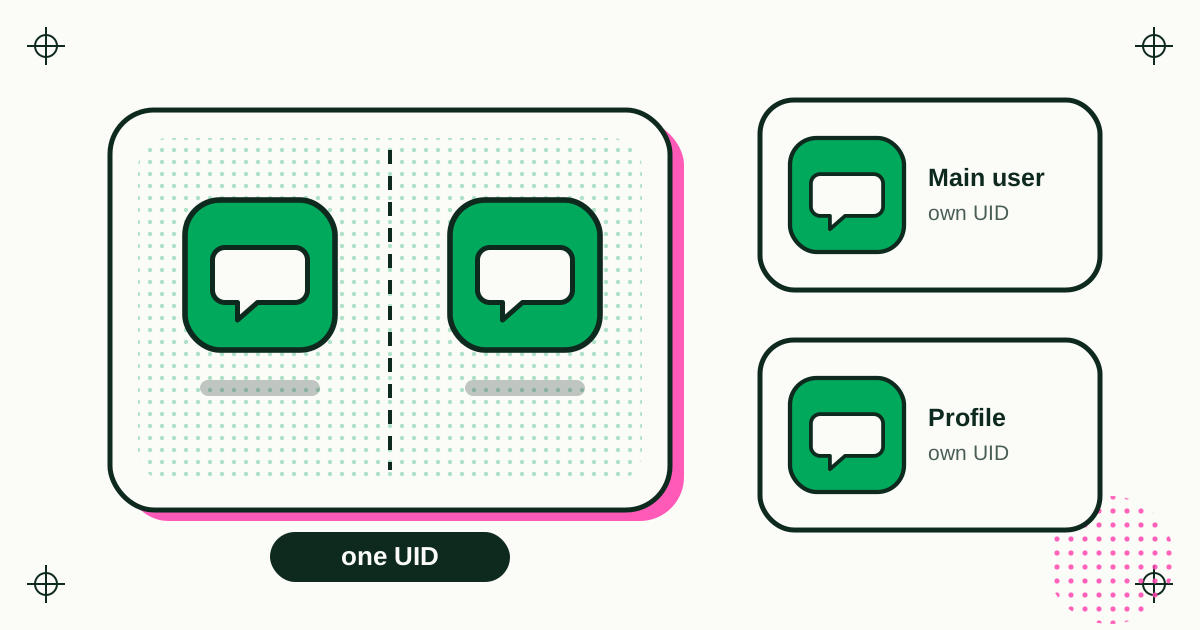
Each Account's microG data stays in that Account's space. As with every copy, that is separation kept by Duo Clone, not by the kernel; how app copies stay separate explains the limits.
What does microG not do inside a copy?
Duo Clone's microG does not run DroidGuard and does not call Play Integrity or SafetyNet, so an app that insists on Google's device attestation can refuse to run in a copy. That is a deliberate choice: Duo Clone does not try to make a copy look like a certified original.
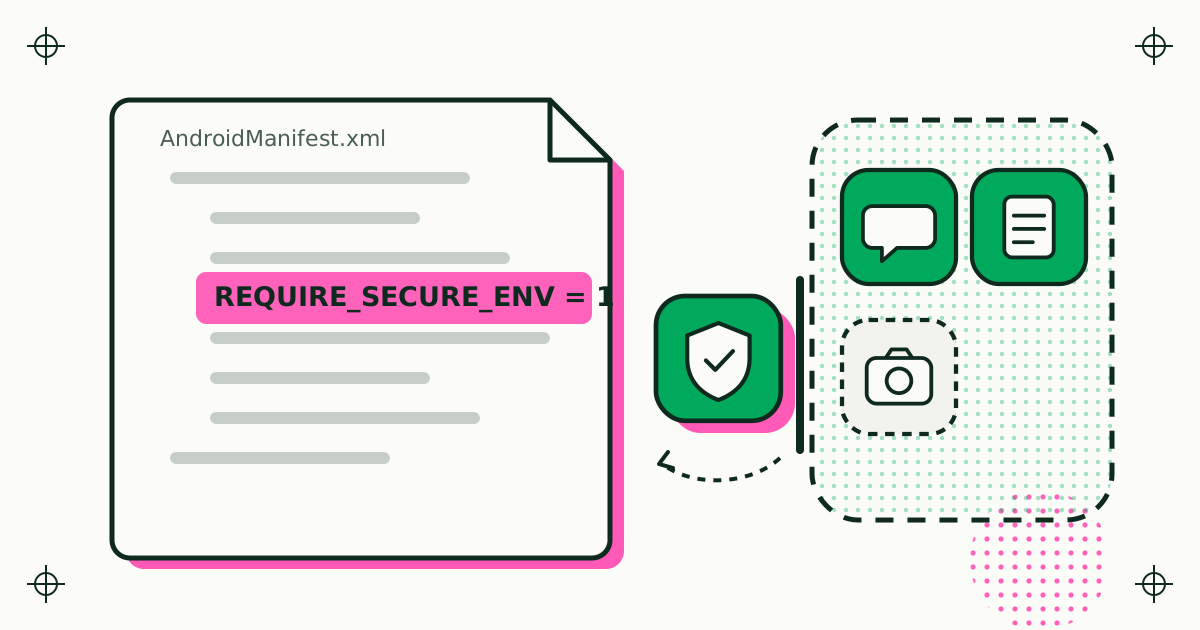
Banking and wallet apps usually fall in that group, and many also declare REQUIRE_SECURE_ENV, which Duo Clone honours by refusing to clone them. Sign-in also depends on the app: the sign-in screens come from the app and from microG, and wording can differ from one app to the next.
What should other developers take from this?
If you ship microG or any other Apache 2.0 component, put the licence text in the app, keep the copyright line, and write down every change, however small. A licences screen that people can open offline, with a link to the source, covers the first three conditions in one place. For microG in particular, take the official tagged release and verify it before it enters your build.
Sources
- microG Project, GmsCore source code and releases on GitHub (read 20 November 2026).
- Apache Software Foundation, Apache License, Version 2.0, section 4 (read 20 November 2026).
- Duo Clone app: Open-source licenses screen and Account setup sheet, in the build released on 20 November 2026 (version 0.1.24).