REQUIRE_SECURE_ENV: how an Android app opts out of app cloners
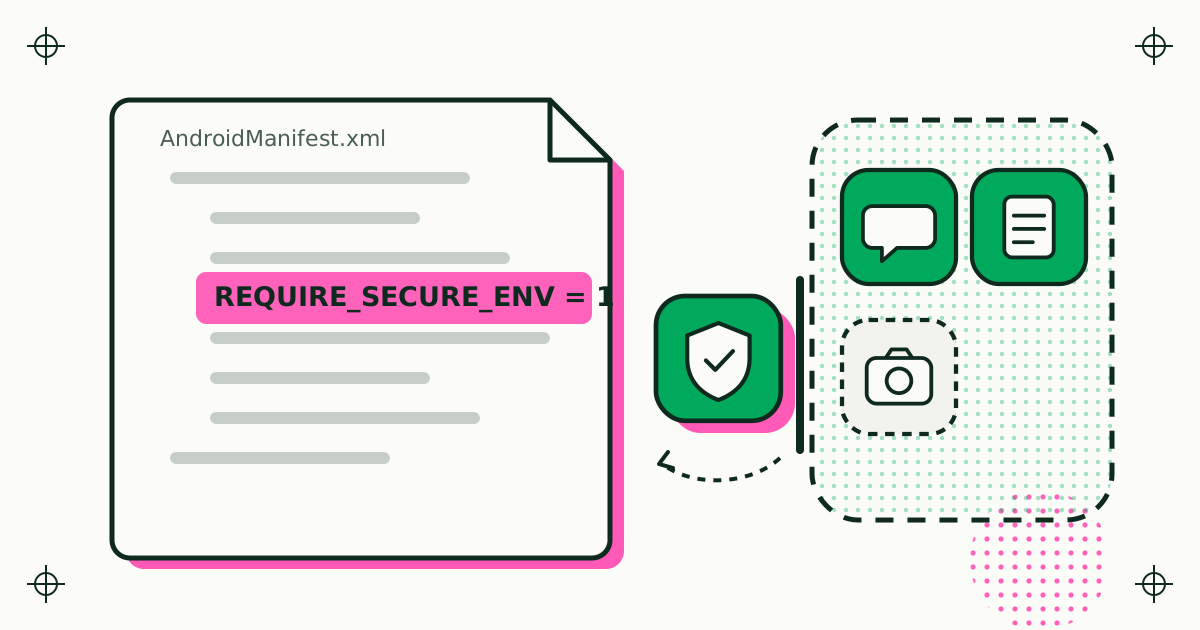
REQUIRE_SECURE_ENV is a property an Android app declares in its manifest to say it must not run inside an app cloner or any other on-device container. Google Play policy requires container apps distributed on Play to check for it and refuse the app. It is a policy commitment, not a technical lock, so it works alongside runtime checks such as the Play Integrity API rather than replacing them.
This note is for app developers who are deciding whether to declare the flag, and for anyone curious why a cloner turns some apps away. It covers what the property is, who has to honour it, how it differs from Play Integrity, and what Duo Clone does when it finds it.
What is REQUIRE_SECURE_ENV?
REQUIRE_SECURE_ENV is a <property> element placed under <application> in your Android manifest, with the value 1. Google's developer guide describes it as the way to say you do not want on-device Android container apps to load or proxy your Play Store app:
<application ...>
    <property android:name="REQUIRE_SECURE_ENV" android:value="1" />
</application>
The guide adds that the property can be used whatever Android version your app runs on. It is a plain manifest entry, so it needs no library, no permission and no code. An app cloner reads it the same way it reads your package name or your activities: from the installed package, before your code runs.
Google defines an on-device Android container as an app that simulates the Android OS on a device, in whole or in part. An app cloner such as Duo Clone falls in that group, because the copies it runs behave as if they were installed normally.
Who has to honour the flag?
Every on-device container app distributed on Google Play must check the manifest of each app it plans to load, and must not load an app that declares REQUIRE_SECURE_ENV. That obligation comes from Google Play's Device and Network Abuse policy. The Play Console Help page on the flag also says container apps cannot get around it by proxying, which it defines as requesting, sending, redirecting or intercepting API calls to apps outside the container to disguise them as being inside it.
Two boundaries in the same page are worth knowing:
- Work profiles are out of scope. Enterprise apps that create a separate work profile and need device admin permissions are not treated as on-device containers.
- Google does not tell you to add it. The help page says Google has no specific recommendation on which apps should declare the flag; the decision is the developer's, based on the app's own security and privacy needs.
Is REQUIRE_SECURE_ENV a technical block?
No. Google states that no technical feature prevents a container app from loading an app that declares the flag. The protection rests on policy: container apps on Google Play agree to check for it, and Google can act against those that do not.
That makes the flag a clear signal to honest container apps, and nothing more. An app that must defend its servers against modified clients, emulators or scripted traffic still needs checks of its own. That is where the Play Integrity API comes in.
How is it different from the Play Integrity API?
REQUIRE_SECURE_ENV is a declaration a container reads before your app starts; the Play Integrity API is a signed verdict your server reads while your app is running. They answer different questions.
| Question | REQUIRE_SECURE_ENV | Play Integrity API |
|---|---|---|
| What it is | One manifest property | An API call that returns verdicts for your backend |
| Who acts on it | The container app, before launch | Your server, on each request you choose to protect |
| What it covers | Containers on Google Play that follow the policy | App binary, device trust and install source |
| Enforcement | Google Play policy | Cryptographic verdicts checked by your code |
Google's overview lists the verdicts. The appIntegrity verdict tells you whether you are talking to your unmodified binary that Google Play recognises (PLAY_RECOGNIZED confirms the signing certificate). The deviceIntegrity verdict places the device in trust tiers from MEETS_BASIC_INTEGRITY up to MEETS_STRONG_INTEGRITY. The accountDetails verdict tells you whether the user installed or updated the app from Google Play (LICENSED).
A sensible split for a money or identity app: declare REQUIRE_SECURE_ENV so container apps that follow the rules never load it, and check Play Integrity verdicts on the server for everything else.
What does Duo Clone do when an app declares it?
Duo Clone reads the flag from each installed app and refuses to clone an app that declares it. In the app picker such an app appears dimmed with a Protected badge, and tapping it explains why it cannot be cloned. Both behaviours shipped in the releases listed in the Duo Clone changelog (versions 0.1.19 and 0.1.20).
A few details from the developer side:
- The badge follows the declaration, not the category. Banking and wallet apps are the usual examples, but any app can declare the flag, and Duo Clone treats them all the same.
- If the declaration cannot be read, the app is treated as protected. Duo Clone does not guess in the app's favour.
- There is no override. Duo Clone offers no setting to clone a protected app anyway, does not change device IDs and does not fake a location.
The same Protected badge also marks apps Duo Clone keeps out for its own reasons, such as Settings, Files and other Duo Clone builds. The user-facing side of this, with screenshots of the badge, is on the Duo Clone website under which apps Duo Clone marks as Protected.
Should your app declare REQUIRE_SECURE_ENV?
Declare it if your app should never run next to other apps inside a container, and accept that people who use copies to separate accounts will lose access. The trade-off is real on both sides:
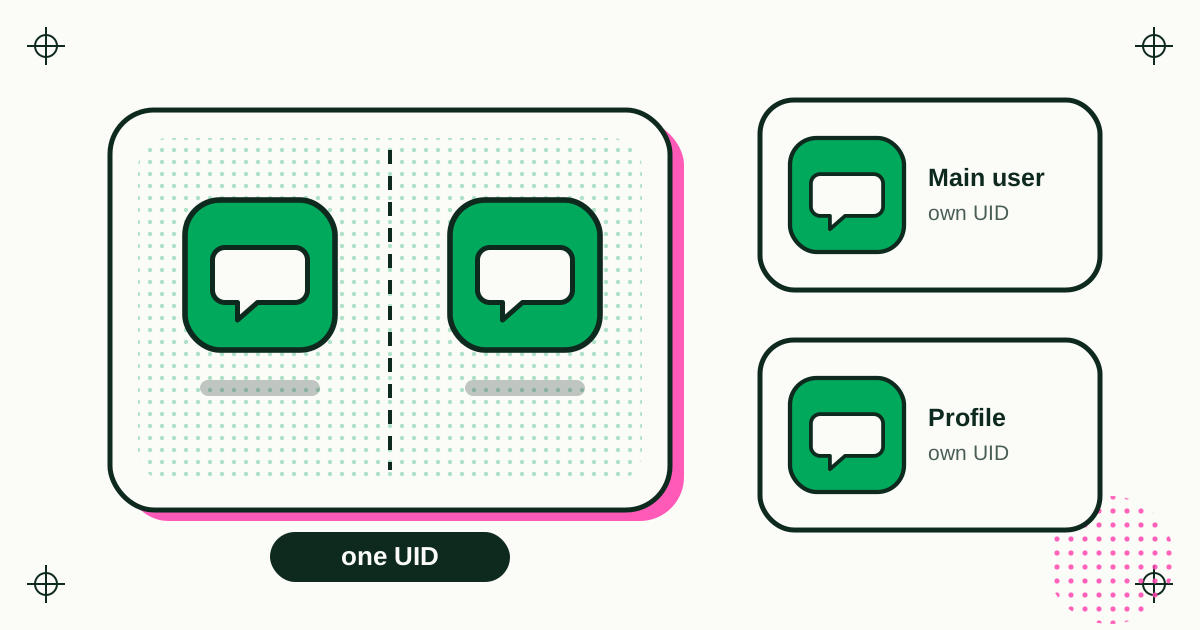
- For declaring: copies inside a container share one Android user ID, so a container is not a hardened boundary between apps (see how app copies stay separate). Apps that hold money, identity documents or sessions that would be costly to leak gain a clear, policy-backed opt-out.
- Against declaring: many people use containers for ordinary reasons, such as a work and a personal account of the same chat app. If your app already offers an account switcher, most of them will not need a copy.
Either way, the flag costs one line in your manifest, and it is the signal Duo Clone and every other app cloner on Google Play has agreed to respect.
Sources
- Android Developers, Limit loading in on-device Android containers (page last updated 5 March 2026, read 20 November 2026).
- Play Console Help, On-device Android container apps and the REQUIRE_SECURE_ENV manifest flag option (read 20 November 2026).
- Android Developers, Play Integrity API overview (page last updated 13 November 2026, read 20 November 2026).
- Duo Clone behaviour: changelog, versions 0.1.19 and 0.1.20.