

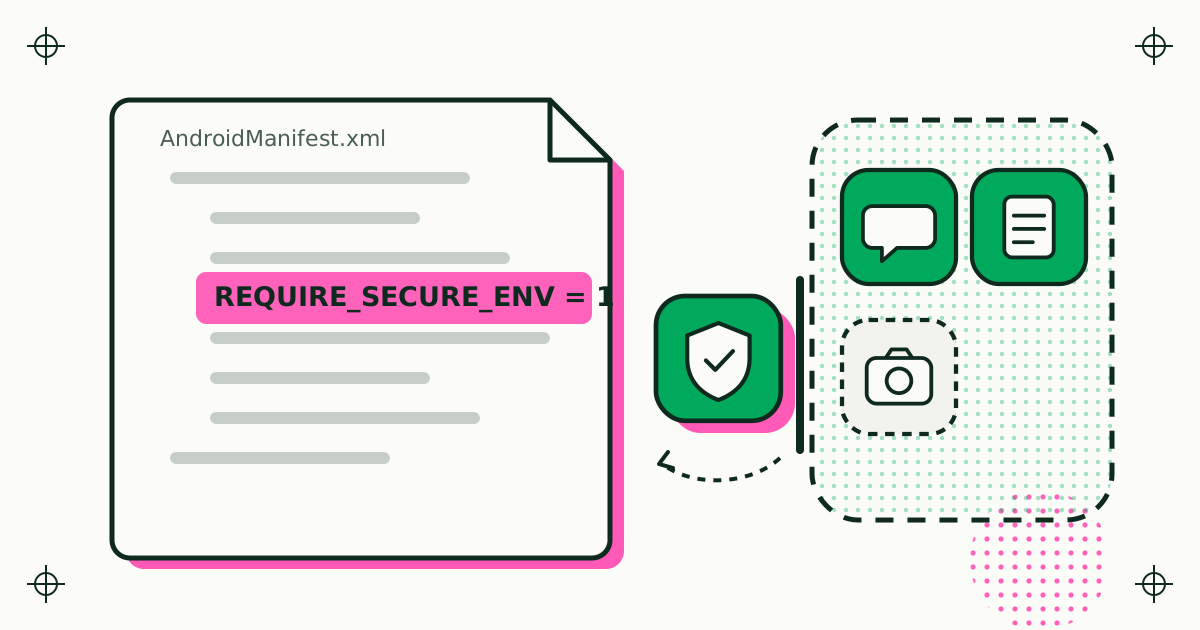
REQUIRE_SECURE_ENV: how an Android app opts out of app cloners
One manifest line tells app cloners on Google Play to leave your app alone. What it covers, how it differs from Play Integrity, and how Duo Clone honours it.
Duo Clone is an Android app cloner for running two or more accounts of the same app on one phone. XLAB builds it. This page carries the release notes, the developer notes and the one official channel.
Official channel. Google Play is the only official channel for Duo Clone; it is never offered as an APK.
How an Android app cloner works underneath: the platform rules it lives by, where its limits are, and what changed in each Android release.
One manifest line tells app cloners on Google Play to leave your app alone. What it covers, how it differs from Play Integrity, and how Duo Clone honours it.
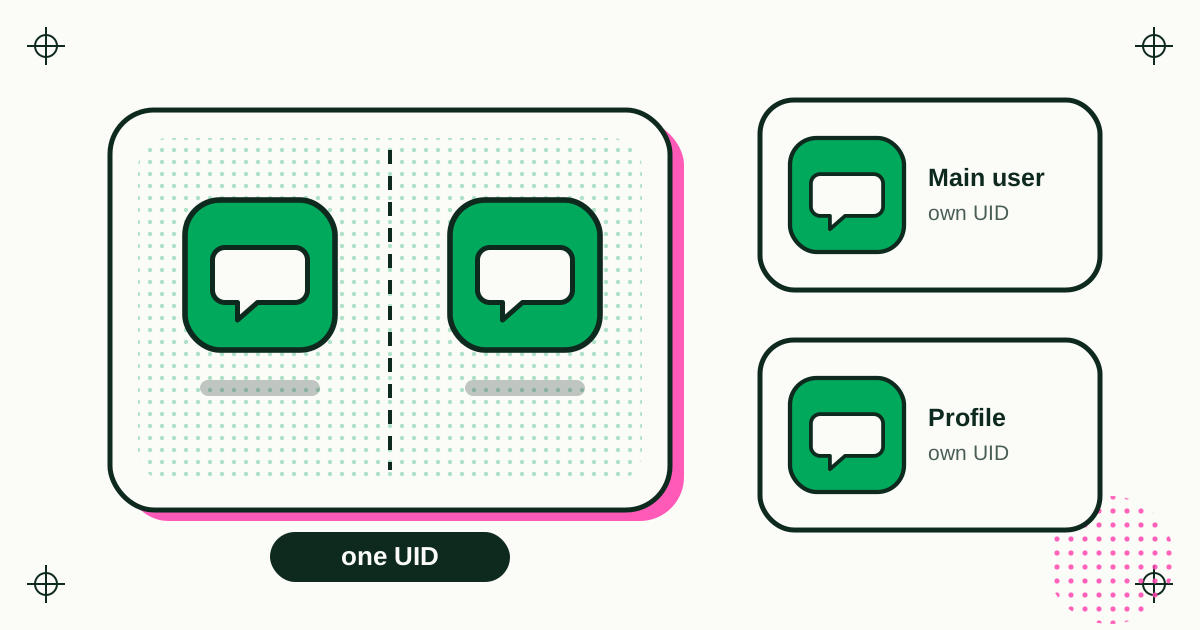
Android keeps apps apart with one user ID each. Copies in a cloner share one. What keeps them apart instead, where that stops, and how profiles compare.
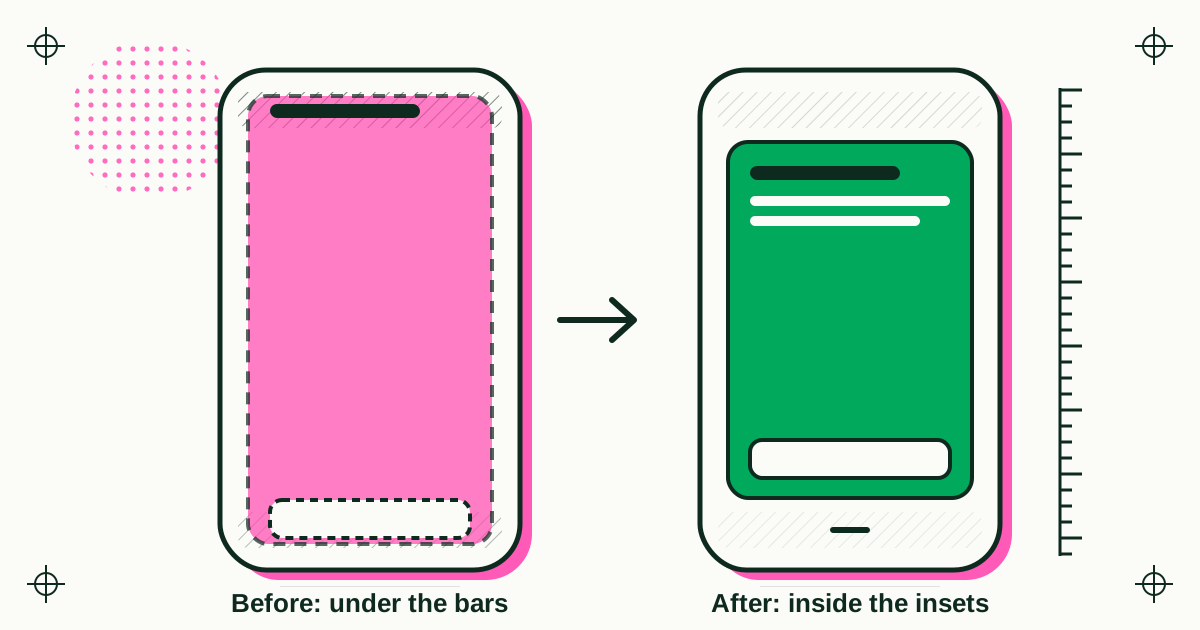
Edge-to-edge with no way out, predictive back, and the copy-specific bugs Duo Clone fixed on the newest Android versions, release by release.
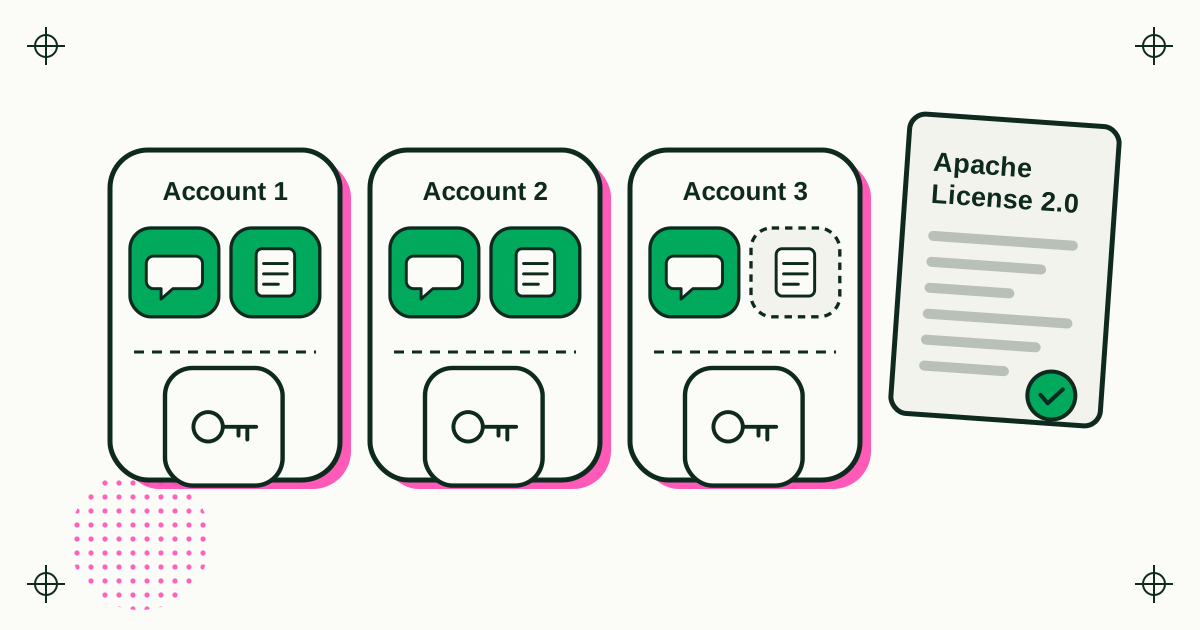
Why an app cloner needs microG, what the Apache 2.0 licence asks of anyone who ships it, and how Duo Clone gives each Account its own Google sign-in.
0.1.24Build 27 · 20 November 2026
Clone an app you already use, sign in with a second account in the copy, and keep your work and personal accounts apart.
Short, practical answers for the questions people ask before they clone an app, on the Duo Clone website.
Open an issue on GitHub. Please name your phone model, your Android version and the app you were cloning. Read how your data is handled in the Duo Clone privacy policy.